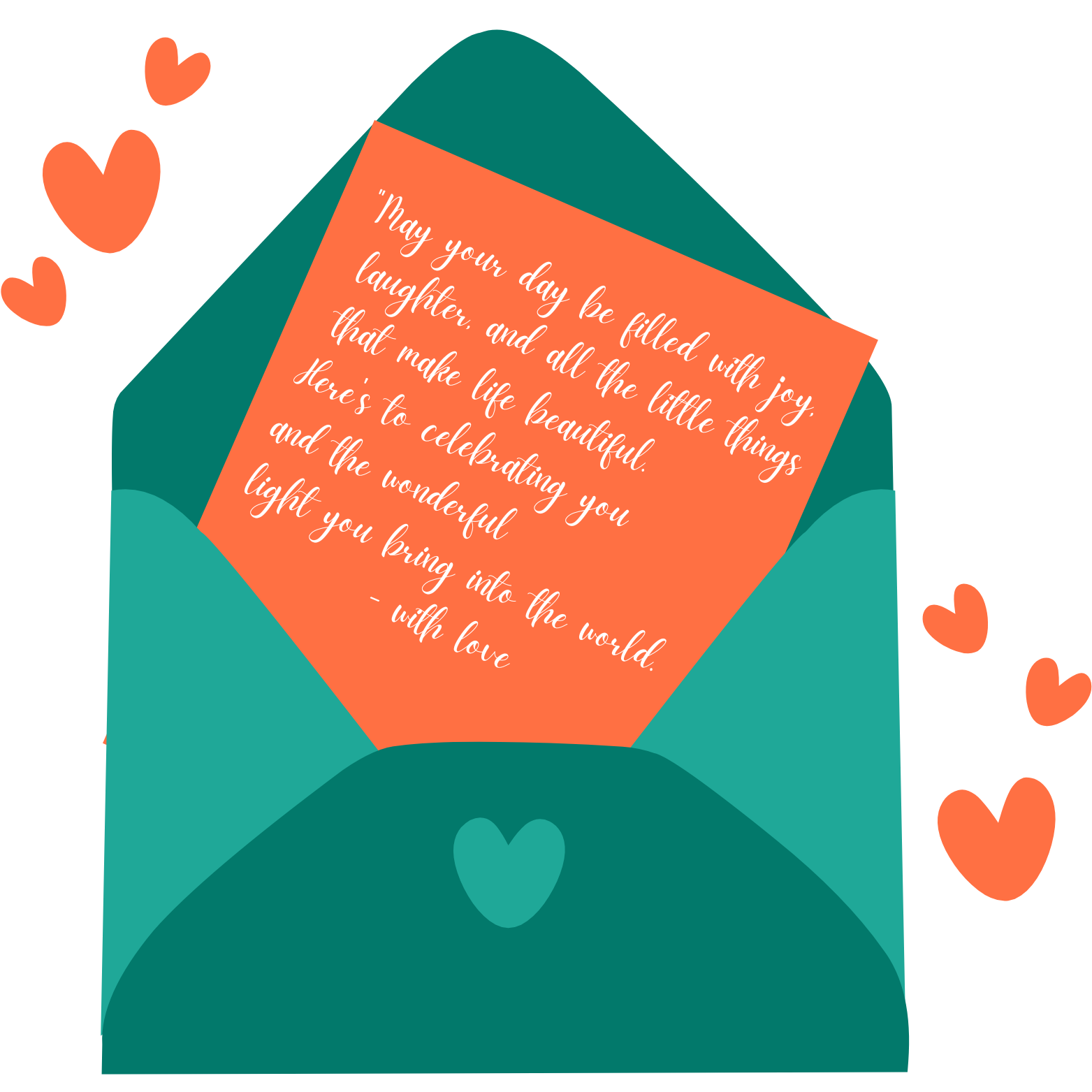
Greeting Card Mockups: Digital Tools to Preview Before You Send

Photo by Customerbox on Unsplash
Greeting Card Mockups: Digital Tools to Preview Before You Send
Greeting cards! They're still a thing, right? Absolutely. In our crazy, digital world, a real, personalized greeting card feels extra special. Whether it's a birthday card with heartfelt scribbles, a wedding card for new beginnings, or a simple thank you card, the impact is huge. But, let's face it, this is 2025. We're not just grabbing stuff off the shelf anymore. Custom is king (or queen!), and making sure your card looks amazing before it's printed or zapped across the internet is super important. I've learned this the hard way!
That's where greeting card mockups swoop in to save the day. These nifty digital tools let you preview your designs in a real-world setting. Think seeing your custom Christmas card looking festive on a mantelpiece or your graduation card clutched in someone's hand. Cool, huh? This preview power isn't just about looking good; it's about catching those sneaky font size fails, clashing colors, and wonky layouts before they become a problem. Trust me, it saves time, money, and major face-palm moments.
So, in this post, I'm diving into the best digital mockup tools I've found. Freebies? Yep. Paid powerhouses? Got 'em. I'll point out key features and walk you through making card previews that'll seriously wow your recipients. Let's do this!
Why Use Greeting Card Mockups?
Okay, I get it. We're all rushing. But taking a sec to mockup? Totally worth it. Here's why:
- Visual Confirmation: Mockups show you exactly what your final card will look like. Spotting design oopsies before printing is priceless.
- Cost Savings: Catching errors early saves $$$. A tiny tweak in the mockup? Huge savings later. Trust me on this one.
- Professional Presentation: A polished card makes you look good. Mockups ensure that your cards are top-notch, leaving a lasting impression. First impressions matter!
- Experimentation and Creativity: Wanna try wild fonts or crazy layouts? Go for it! Mockups let you experiment without fear. Unleash your inner artist!
- Client Approval: Designing for others? Mockups are gold. Clients can see and approve the design before you commit. Happy clients = happy you. Especially for a personalized anniversary card!
Top Free Greeting Card Mockup Tools
Good news! You don't need to empty your wallet for awesome mockups. Here are some free tools I've been loving lately:
- Canva: Canva's free plan is surprisingly powerful. Tons of templates and mockup options! Upload your designs, tweak templates, and see your cards in action. Super easy to use, even if you're not a design guru. And, you can even find templates to create a personalized new baby card.
- Adobe Express (formerly Adobe Spark): Another winner! Adobe Express has tons of design tools and mockup templates. Drag-and-drop makes it a breeze, and the font and graphic library is HUGE. Plus, mobile apps let you mockup on the fly.
- Placeit: Placeit is a mockup machine. Tons of realistic options. While many are paid, the freebies are great for showcasing your designs. Upload, and BAM! High-quality mockup in seconds. They can even help you with showcasing your mother's day card design!
- Smartmockups: Like Placeit, Smartmockups is packed with realistic mockups. The free plan is limited, but still offers some sweet greeting card options. Super easy to use, too.
Premium Greeting Card Mockup Tools
Okay, if you want all the bells and whistles, here are some premium tools worth a look:
- Adobe Photoshop: Still the king. Photoshop offers insane flexibility for card mockups. Steep learning curve? Maybe. But the results are stunning. Find pre-made templates or build your own from scratch.
- Affinity Photo: A powerful and cheaper alternative to Photoshop. Similar features, compatible with Photoshop templates. Great for pros who want power without the price tag.
- Mockuuups Studio: Mockuuups Studio is dedicated mockup software. Tons of device and product mockups, including cards! Drag-and-drop, realistic results. Integrates with Sketch and Figma, too.
Creating a Stunning Card Preview: Step-by-Step Guide
Making a killer card mockup is easier than you think! Here's the lowdown:
- Choose Your Mockup Tool: Pick a tool that fits you. Consider features, ease of use, and mockup options.
- Design Your Card: Create your card using your favorite design software. High-res is key!
- Select a Mockup Template: Find a template that shows off your card. Think about the setting, angle, and vibe.
- Upload Your Design: Upload your design to the tool and tweak the size and position.
- Customize the Mockup: Make it yours. Change the background, add shadows, adjust the lighting.
- Add Finishing Touches: Text overlays, watermarks... make it pop!
- Download Your Mockup: Download in high-res for sharing or printing. Perfect for ensuring your sympathy card is presented beautifully.
Follow these steps, and you'll create card mockups that'll impress everyone. You can even use these tips when creating your valentine card for that special someone!
The Future of Greeting Card Mockups
Tech keeps marching on, right? Expect even more amazing mockup tools. AR and VR? Huge potential! Imagine seeing your retirement card on a virtual desk or your congratulations card in a virtual hand.
And, AI could automate the whole process, creating realistic mockups based on your preferences. Saving time and effort? Yes, please! The future is bright, my friends.
So, there you have it. Greeting card mockups are essential for anyone serious about personalized, professional-looking cards. Whether you're a seasoned designer or just sending a quick hello, a mockup can make a huge difference. Embrace the power of digital mockups and rock your greeting card game today!
Ready to make someone's day?
Create a free group greeting card in minutes — anyone can add a message, no sign-up needed.
Browse cardsGreetopia team
Ideas and inspiration for heartfelt cards.
Related articles
View all posts → 6 min
6 minWords of Pride: Supportive Cards and Messages for Coming Out in 2026
Words of Pride: Supportive Cards and Messages for Coming Out in 2026 Let’s be honest for a second: coming out is incredibly brave. It’s also deeply personal…
 6 min
6 minGoing Digital for June: Creative Pride Month E-Cards to Share Online
Going Digital for June: Creative Pride Month E-Cards to Share Online June is finally here! And honestly, I couldn't be more excited. The colors, the community,…
 5 min
5 minCelebrating Juneteenth Digitally: E-Cards for Remote Teams
Celebrating Juneteenth Digitally: E-Cards for Remote Teams I am writing this between packing up orders and sorting out support emails, but this is a topic that…